





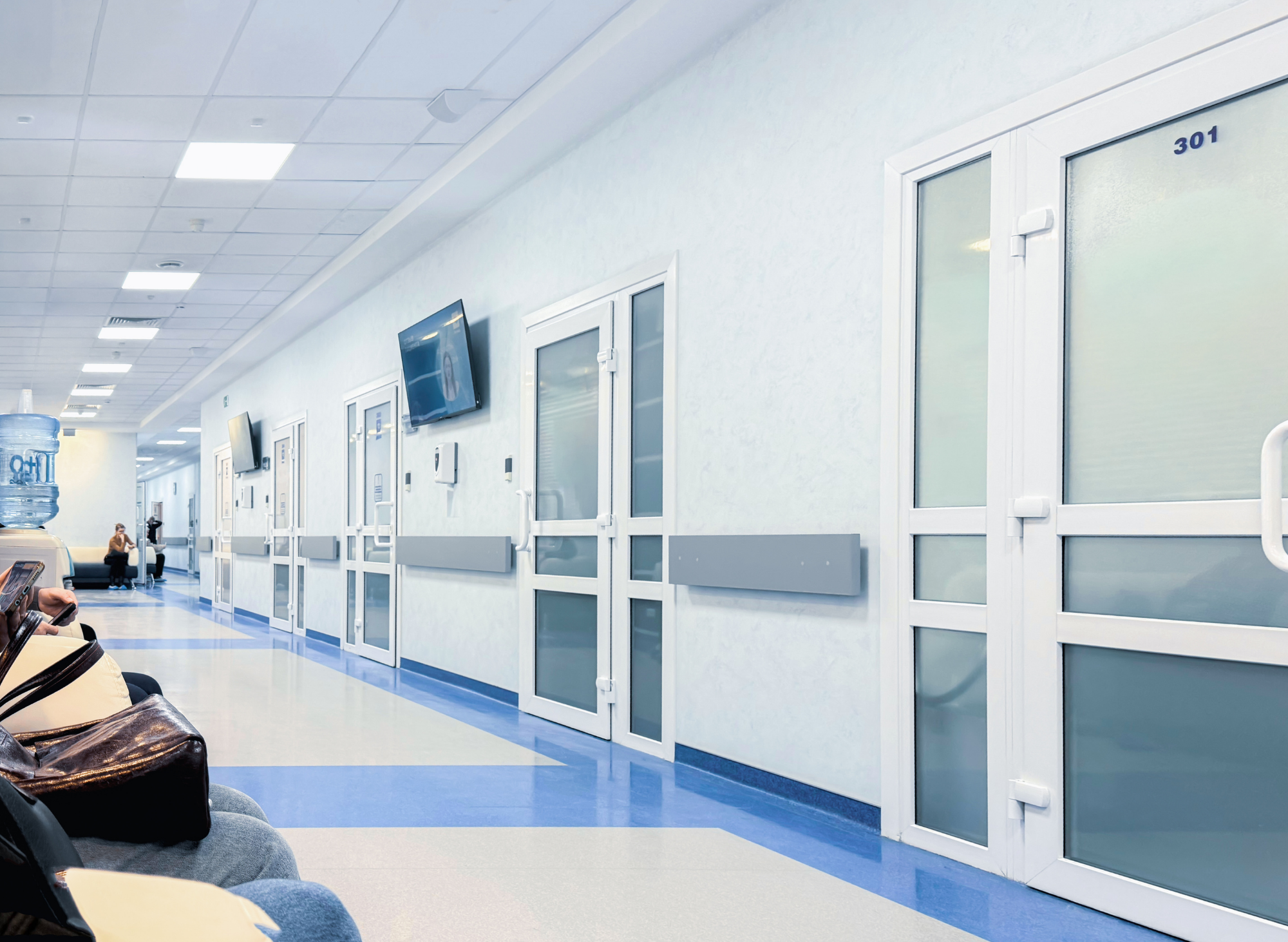
Hospitals
Hospitals security solutions from Coin Security help healthcare organizations control facility keys, equipment, electronics, credentials and other shared assets across departments and shifts.

Secure Critical Assets Across the Healthcare Environment
Hospitals operate around the clock with employees, contractors and departments sharing access to keys, electronics, equipment and other critical assets.
Coin Security can help configure secure storage around the assets each department manages, the employees who need access and the way those assets move throughout daily operations.

Support Security Across Departments
Different parts of a healthcare facility may require different approaches to key, equipment and credential management.
Facilities & Engineering
Control mechanical, utility, master and restricted-area keys used by facility teams.
Clinical Departments
Provide secure storage for shared equipment and departmental assets.
IT & Communications
Organize radios, tablets, electronics and other shared technology.
Security
Manage keys, credentials and other sensitive assets used by security teams.
Keep Shared Assets Available Without Losing Control
Healthcare environments rely on many shared assets that may move between employees, departments and shifts throughout the day.
A combination of electronic cabinets, lockers and secure asset storage can create defined locations for issue, use and return.
Key & Asset Security Solutions
Combine key management, equipment storage, asset identification and point-of-use security based on the needs of your healthcare facility.

Electronic Key & Asset Cabinets
Provide controlled electronic storage for facility keys and other important hospital assets.
Explore Cabinets
Electronic Lockers
Secure radios, electronics, equipment and other shared assets in controlled individual compartments.
Explore Lockers
Asset Vault
Provide controlled storage for equipment, electronics and other larger critical assets.
Explore Asset Vault
Smart ID Devices
Add identification to equipment and assets using attachment options designed for different applications.
Explore Smart ID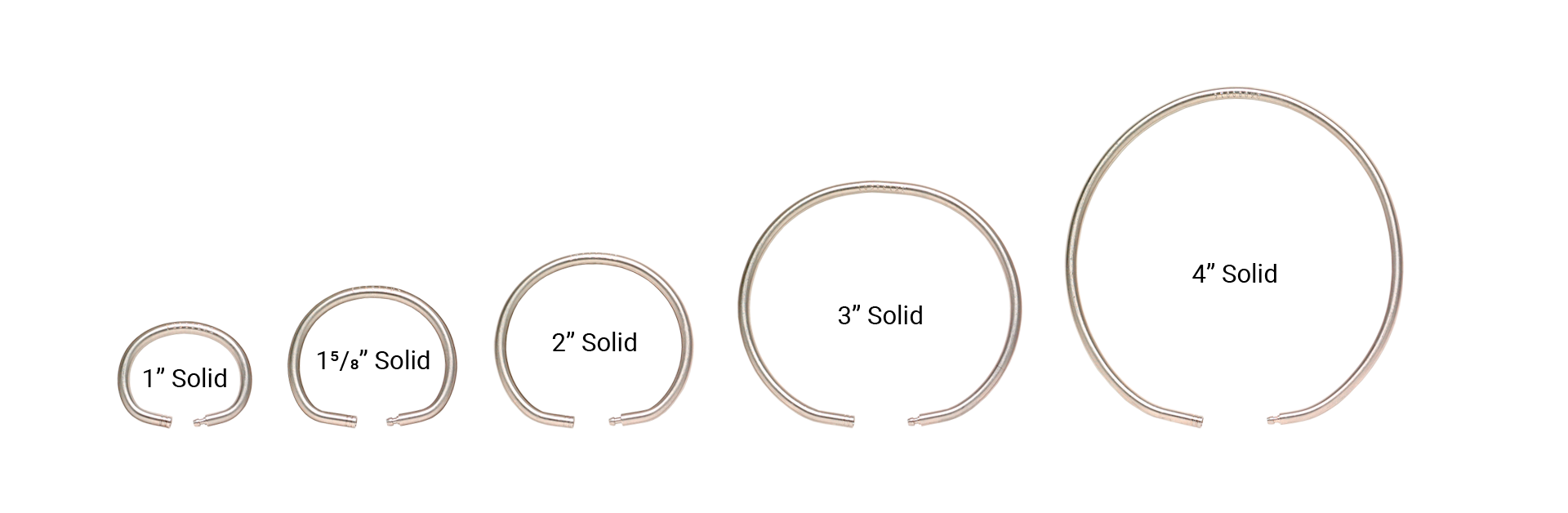
Tamper-Proof Key Rings®
Protect controlled key sets with serialized tamper-evident stainless steel key rings.
Explore Key Rings
Smart Track Key Cabinet
Add compact electronic key management to departments where smaller key inventories need controlled access.
Explore Smart Track
Surface Vault
Position secure key storage closer to mechanical rooms, departments and other critical locations.
Explore Surface Vault
Custom Security Solutions
Configure storage around specialized healthcare assets, capacities and departmental workflows.
Explore Custom Solutions
Give Shared Equipment a Defined Storage Location
Healthcare teams may rely on radios, electronics, tablets and other equipment that must remain available to authorized personnel throughout multiple shifts.
Electronic lockers can provide individual controlled compartments for shared assets while creating a consistent place for issue and return.
Protect the Keys That Keep the Hospital Operating
Hospitals still depend on physical keys for mechanical rooms, offices, utility spaces, restricted areas and other operational locations.
Electronic key cabinets can provide centralized control, while smaller systems and point-of-use storage can support departmental needs throughout the facility.
Explore Key Management
Create a More Controlled Asset Process
Build a consistent process around where keys and equipment are stored, who can access them and where they are returned.
Secure
Keep keys and equipment in defined controlled storage locations.
Authorize
Configure access around employees and departments that require each asset.
Use
Keep critical assets available to authorized personnel when needed.
Return
Return assets to secure storage for the next authorized user.
Configure Storage Around Your Healthcare Environment
Healthcare facilities can have specialized equipment, departmental workflows and storage requirements that do not fit a standard configuration.
Coin Security can help configure cabinets, lockers and asset-retention methods around the needs of your facility.
Explore Custom Solutions
What Does Your Hospital Need to Secure?
Tell us about the facility keys, equipment, electronics, credentials or other assets your teams manage. Coin Security can help identify the products and configuration that fit your facility.